What actually changed in v1.1.2
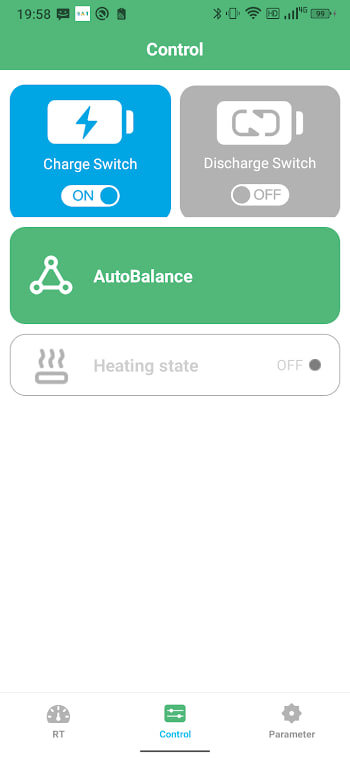
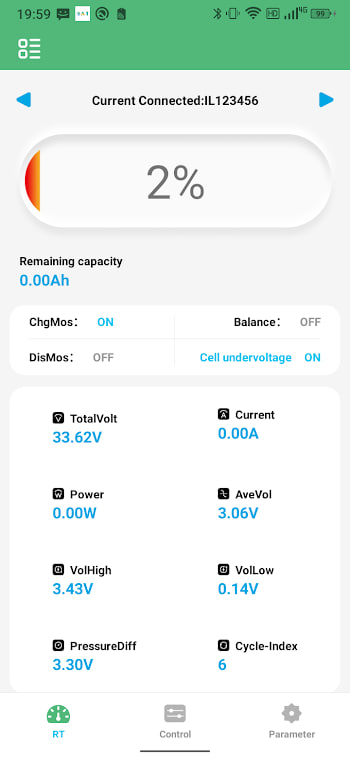
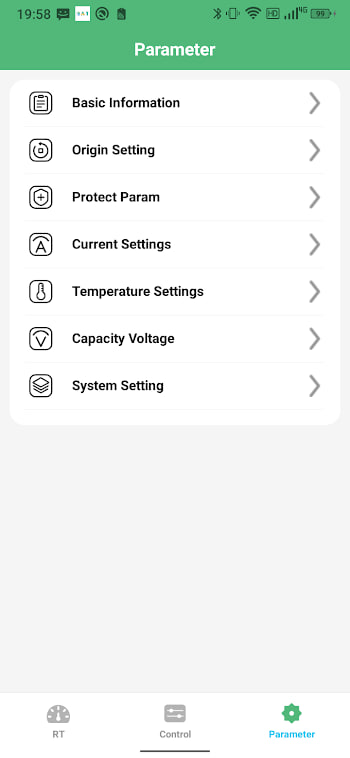
BAT-BMS v1.1.2 landed on 6 July 2026, and it is the kind of release that will not show up in a screenshot but will show up in how the app behaves day to day. There is no new screen, no redesigned dashboard — this is a maintenance build, and honestly those are usually the ones worth installing fastest. Three things changed:
- General performance improvements and under-the-hood optimisations. The app should feel snappier moving between the dashboard, cell voltage view and settings, particularly on older phones.
- Improved Bluetooth connection reliability on more phone models. Reconnecting after the app has been closed, or after the phone's screen has been off for a while, is more consistent across a wider range of Android devices and Bluetooth chipsets.
- Minor bug fixes reported by users since v1.0.10. Small papercuts that build up over a few months of daily use rather than one headline fix.
Version number, for anyone keeping a change log of their own: build 12, still 11.3 MB, still the same package com.bms.grenergy, still Android 5.1 and up. Full details and the file itself live on the APK download page.
Why the Bluetooth fix matters more than it sounds
Of the three changes, the connection reliability work is the one worth understanding rather than skimming past. Bluetooth Low Energy on Android has always been a little inconsistent between manufacturers — the same reconnect logic that is instant on one phone can lag for a few seconds on another, and "my app takes ages to find my battery again" is one of the most common complaints on any BMS app, not just this one. A build that specifically targets reconnection across more chipsets is addressing the single most reported daily annoyance rather than a cosmetic detail.
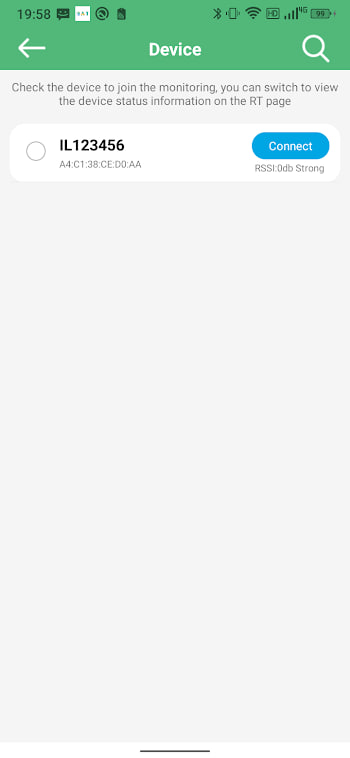
If you have ever opened BAT-BMS after your phone screen has been locked for a while and watched it sit on the scan screen a beat too long before finding your pack, this update is aimed squarely at that moment. It will not fix a battery whose Bluetooth is simply out of range or switched off, but it should shrink the "why is this taking so long" delay for a lot of phones.
Should you update right now
Yes, and there is very little reason to wait. This is not the kind of release that changes how the app looks or moves a button you have memorised — your pairings, your settings and your saved batteries all carry over untouched. If you are on v1.0.10 or the older v1.0.9, updating costs you a two-minute install and nothing else. The only people who might reasonably hold off are those who have a specific reason to stay on a known build for a fleet of vehicles, in which case, test on one device first.
How to update safely
Updating is the same install-over-the-top process as any BAT-BMS release, not a fresh setup:
- Download
bat-bms-1.1.2.xapkfrom the APK page — the older v1.0.10 and v1.0.9 files stay available there too, in case you ever need to roll back. - Open it with your XAPK installer and tap Install. You do not need to uninstall the old version first.
- Your paired batteries, names and settings carry over automatically.
- Open the app once after installing and confirm the version shown in settings reads 1.1.2.
If you have never installed a BAT-BMS update before, the full walkthrough with screenshots is in our install guide, and the general update process, including how to roll back if a build ever misbehaves, is covered in the update guide.
What to check after updating
Once you are on v1.1.2, it is worth spending thirty seconds confirming everything still talks to your battery the way it should. Reconnect to each pack you monitor and glance at cell voltages and temperature to make sure nothing looks different from before the update — it should not, since this release does not touch protection logic or readings, only the app around them. If you have not done it yet, this is also a sensible moment to set a pairing password if your battery does not already have one; it takes about the same amount of time as the update itself and closes a gap that has made real news this year.