The honest, short answer
Used sensibly, BAT-BMS is safe. It is a read-mostly dashboard that shows you what your BMS is already doing. It does not push risky commands to your battery by default, and it works entirely over Bluetooth without sending your data anywhere. The real safety questions are less about the app and more about how you use the numbers it shows you.
What the app actually touches
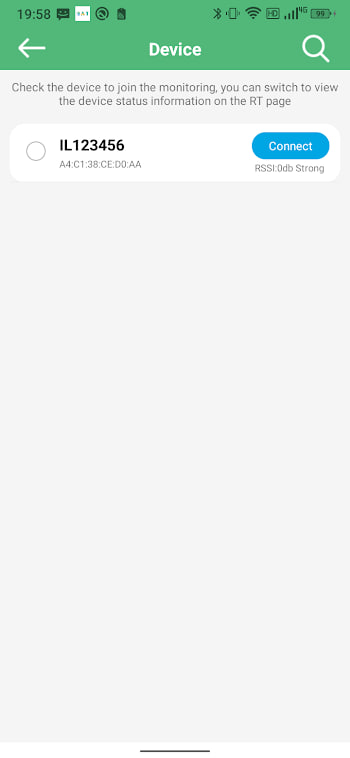
BAT-BMS communicates with your BMS over Bluetooth and displays the readings. It asks for Bluetooth, Location (for scanning), storage, and network permissions. Network is used for nothing sinister — the app is light and mostly offline. Location, as covered in the permission guide, is an Android requirement for scanning, not tracking. You can choose approximate location and lose nothing.
A read-mostly tool
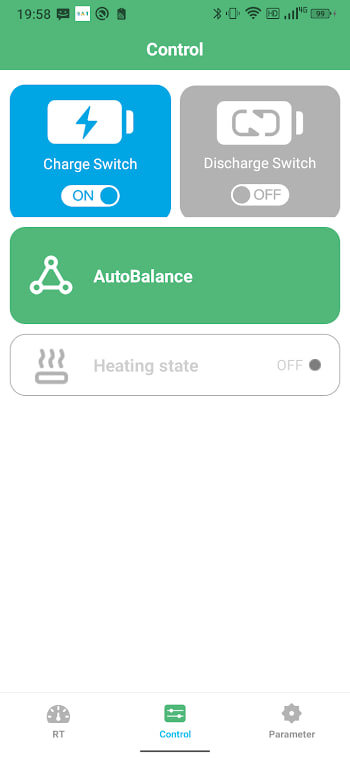
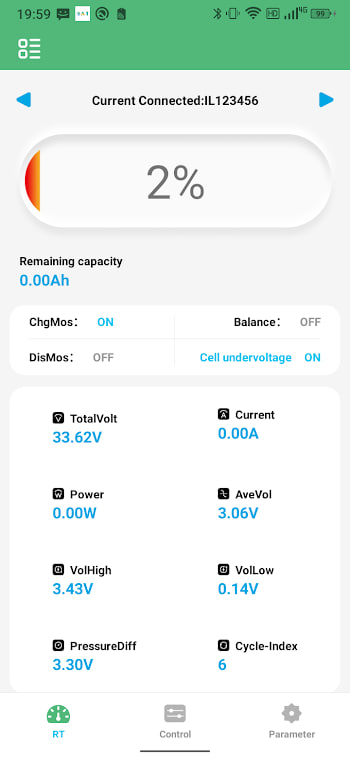
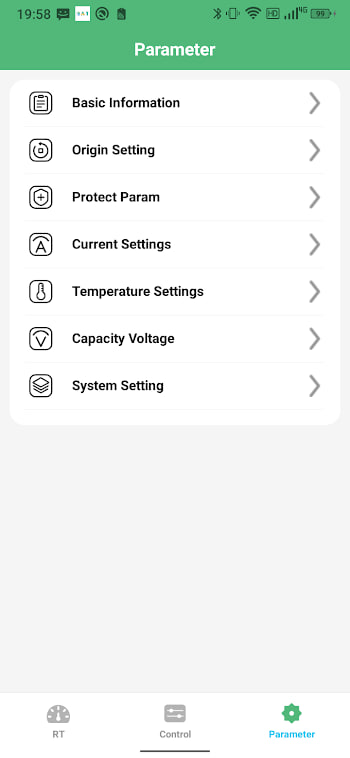
The app's main job is showing you voltages, currents, temperatures, and protection flags. Where it lets you change settings — cell count, limits, thresholds — those changes go to the BMS, which is the real safety device. The app is the remote control; the BMS is the guard rail. Treat the settings screen with respect and you have little to worry about.
The third-party question
This is worth being straight about. BAT-BMS is made by Shenzhen Grenergy Technology, and sideloaded software always carries a little more responsibility than Play Store installs: you are trusting the package. Mitigate that by confirming the package name com.bms.grenergy during install, and by installing only from sources you trust. The APK page explains the file we host.
Where the real risk lies
The genuine dangers are not in the app. They are in the battery itself and in the settings you choose. A badly configured BMS, wrong cell count, or disabled protection is what causes damage — not the dashboard reporting it. If you treat the app as a window and the BMS settings as something to change carefully, one value at a time, you stay on the safe side.
Verdict
BAT-BMS is a reasonable, low-risk tool for anyone who wants visibility into a lithium pack. The app does not do anything reckless, the permissions are explainable, and the real safety burden sits with the BMS hardware and your configuration choices. Use it to see problems early, change settings thoughtfully, and you will be glad to have it.