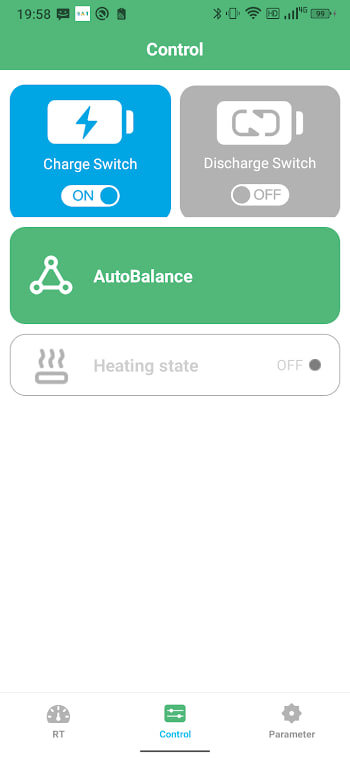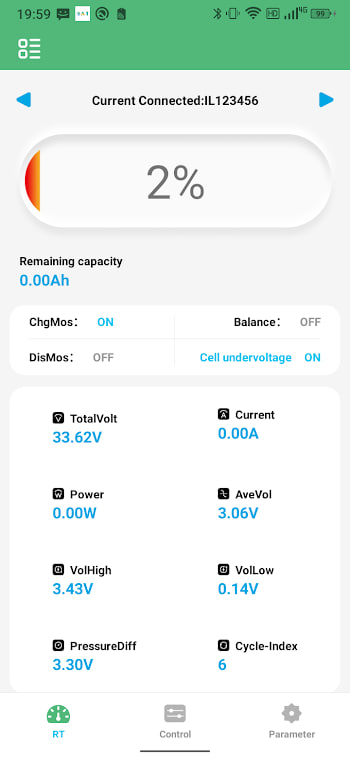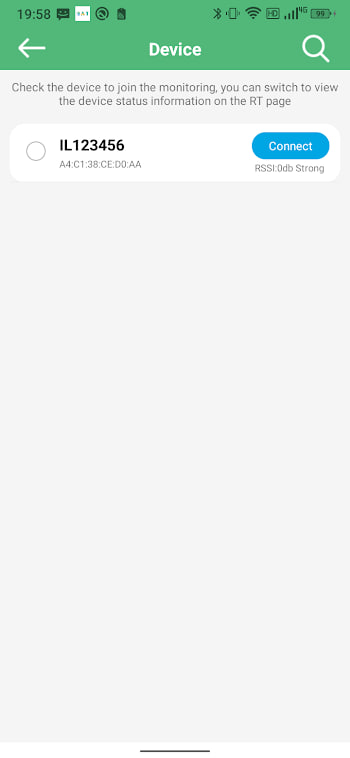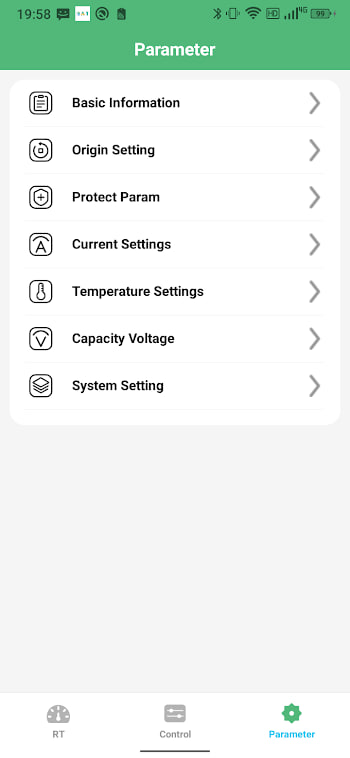
The catch: the BMS chooses the app
Let us clear up the biggest misconception first. BMS apps are not interchangeable like music players. Each app speaks the Bluetooth protocol of particular BMS boards, so the board inside your battery largely decides which app you use — not the other way round. BAT-BMS talks to Grenergy-compatible boards; a JBD board wants a xiaoxiang-style app; a name-brand pack wants its maker's own app. Comparing them is still worth your time, because if you are buying a battery or a replacement BMS, the app experience should be part of the decision.
The contenders
BAT-BMS (Shenzhen Grenergy, 100K+ installs) is the app this site covers: a free, focused monitor for Grenergy-compatible smart BMS boards, common in e-rickshaw and storage packs.
Xiaoxiang-style apps serve the enormous ecosystem of JBD smart BMS boards beloved by the DIY powerwall and e-bike crowd. Feature-rich, with deep parameter editing, at the price of a busier interface.
Manufacturer apps ship with name-brand batteries. Polished and warranty-safe, but they only see their own brand and typically hide the advanced settings entirely.
Generic BLE scanners like nRF Connect deserve a mention: they connect to anything but decode nothing, showing raw bytes instead of voltages. Diagnostic tools, not monitors.
Feature comparison
| BAT-BMS | Xiaoxiang-style | Manufacturer | |
|---|---|---|---|
| Price | Free | Free core | Free |
| Live cells & temps | Yes | Yes | Yes |
| Multiple packs | Yes, swipe pages | Varies | Usually own brand only |
| Parameter editing | On supported packs | Extensive | Rarely exposed |
| Interface | Simple, one job | Dense, technical | Polished, shallow |
| Board support | Grenergy-compatible | JBD family | One brand |
Where BAT-BMS shines
Simplicity is the honest answer. The app opens fast, connects fast, and puts state of charge, current and cell voltages on one screen without burying them under tabs. The multi-pack swipe is genuinely convenient for two-battery vehicles. It is light — a 12 MB XAPK that runs happily on a 2016 phone with Android 5.1 — and it works completely offline, which matters for a tool you use standing next to a vehicle. For the driver who wants to check the battery and get on with the day, there is nothing to learn.
Where it falls short
Fairness cuts both ways. Power users will miss the deep protection-parameter editing that xiaoxiang-style apps offer on JBD boards. There is no data logging to file, no charts of capacity over months, and no desktop companion. Language support is thin (English and French). And the recent viral e-rickshaw episode shows the ecosystem's rough edge: many packs ship unlocked, and the app will connect to them without complaint. None of these are dealbreakers for monitoring, but they are real differences.
Which one for you
If your battery already speaks BAT-BMS — and if you are on this site, it probably does — use BAT-BMS and set a pairing password. It does the daily job with the least friction. If you are building a DIY pack from scratch and want to tune every protection threshold, buy a JBD board and live in a xiaoxiang-style app. If you own a name-brand battery under warranty, stay inside the manufacturer's app so support cannot blame third-party tools. The right app is the one that matches the board, tells the truth about your cells, and gets out of your way.