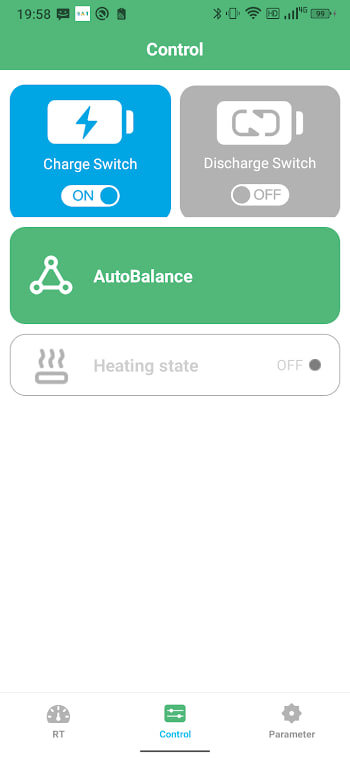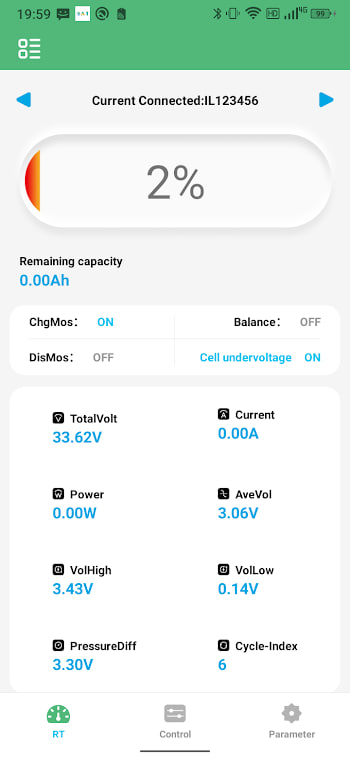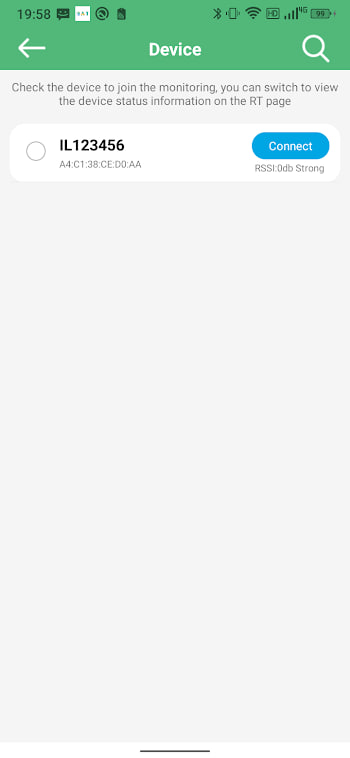
What "connection failed" actually means
The message pops up when the app found your BMS in the scan but could not finish the handshake. That is a different problem from an empty scan list, and the fixes are different too. If your scan shows nothing at all, start with the Bluetooth not connecting guide instead. This page is for when the device is right there and still will not link.
A reliable fix order
Work through these in sequence. Each one solves a chunk of cases, and most people are reconnected by step three.
- Move closer. Bluetooth fades fast through metal and walls, even when the device shows in the list.
- Close any other phone's BAT-BMS app. A held link blocks new connections on most modules.
- Force-stop the app and reopen it, then tap connect again.
- Toggle Bluetooth off and on from your phone's settings, not just the app.
- Power-cycle the BMS by disconnecting the battery for thirty seconds.
When interference is the culprit
The 2.4 GHz band is crowded. If your workshop has Wi-Fi, microwaves, and a dozen Bluetooth devices, the handshake can drop mid-way. Move a few metres away from routers and other active gear, or turn off the worst offenders temporarily. The connection is often rock-solid once you cut the noise.
Module firmware and old pairings
Some BMS modules hold a stale pairing entry from an old phone that has since been removed. The module thinks it is still bonded and refuses a new handshake. A power cycle clears this in most cases. If it does not, the module may have a "clear pairings" or factory option in its own settings — not BAT-BMS, but the BMS hardware.
App version matters
Older BAT-BMS builds sometimes fail the handshake on newer module firmware. If you are running an outdated version, updating to the current build on the APK page resolves a class of failures that no amount of toggling will fix. The update guide shows the safe path.
When it points to hardware
If every step fails and the same module connects fine to another phone, your phone's Bluetooth stack may be the issue — a factory reset of network settings is the last resort. If no phone can connect, the BMS module itself is the suspect, and that is a hardware matter beyond the app.