Frozen or stuck readings
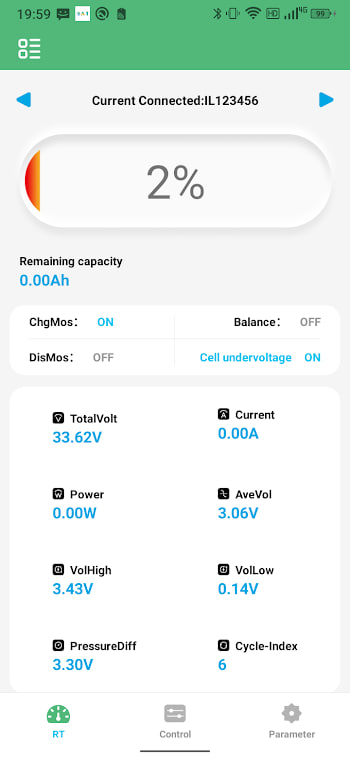
The app shows numbers, but they do not change when you switch a load on or off. Nine times in ten the connection has silently dropped while the app kept showing the last values. Pull-to-refresh or re-opening the app usually snaps it back. If it freezes constantly, the Bluetooth link is marginal — move closer or cut interference. See the connection failed guide for the deep version.
Wrong cell count shown
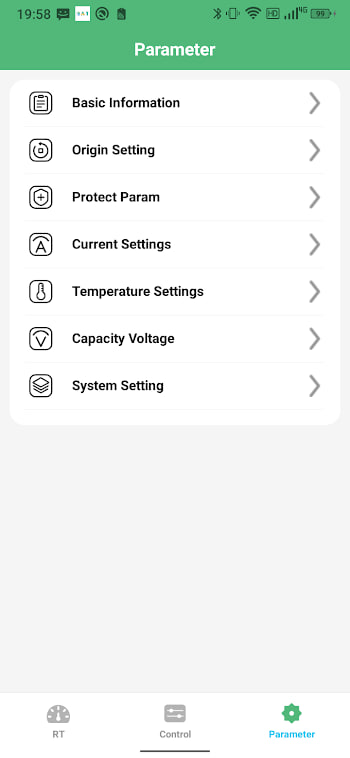
The app reports more or fewer cells than your pack has. This is almost always a settings mismatch, not a hardware fault. Open settings and set the cell count to match your physical pack. If it keeps reverting, the BMS may be reporting a different configuration than you expect — double-check the module's own configuration.
Missing data fields
Sometimes temperature, current, or balancing status simply does not appear. Not every BMS module exposes every field. If a reading is permanently blank, the module may not support it or may not have the sensor connected. A blank field is not always a bug; it can be a hardware limitation.
Constant protection trips
If the BMS trips over-current or over-voltage on every cycle, the limits in settings are probably set too tight for your usage, or a real problem exists. Check that the limits match your pack's actual ratings. If they do and trips continue, look for a weak cell or a resistive connection — the error codes guide maps the recurring ones.
App battery drain
BAT-BMS is light, but leaving it scanning all day will use some battery. If you notice drain, close the app when you are not actively monitoring, or restrict background scanning in your phone's settings. Version 1.1.2 also reduced background use, so updating helps if you are on an older build.
Crashes on open
If the app crashes immediately, a leftover setting from an old install is the usual cause. Clear the app's storage (Settings → Apps → BAT-BMS → Storage → Clear), then re-pair. As a last resort, uninstall and reinstall fresh from the APK page.